
Beaver Builder AI
Start with a chat. Not a blank page.
Turn a conversation into an editable starting point inside WordPress. Customize it with familiar settings, open the code when you need it, and keep refining until it's ready for the client.
Included with Plus plans and above.
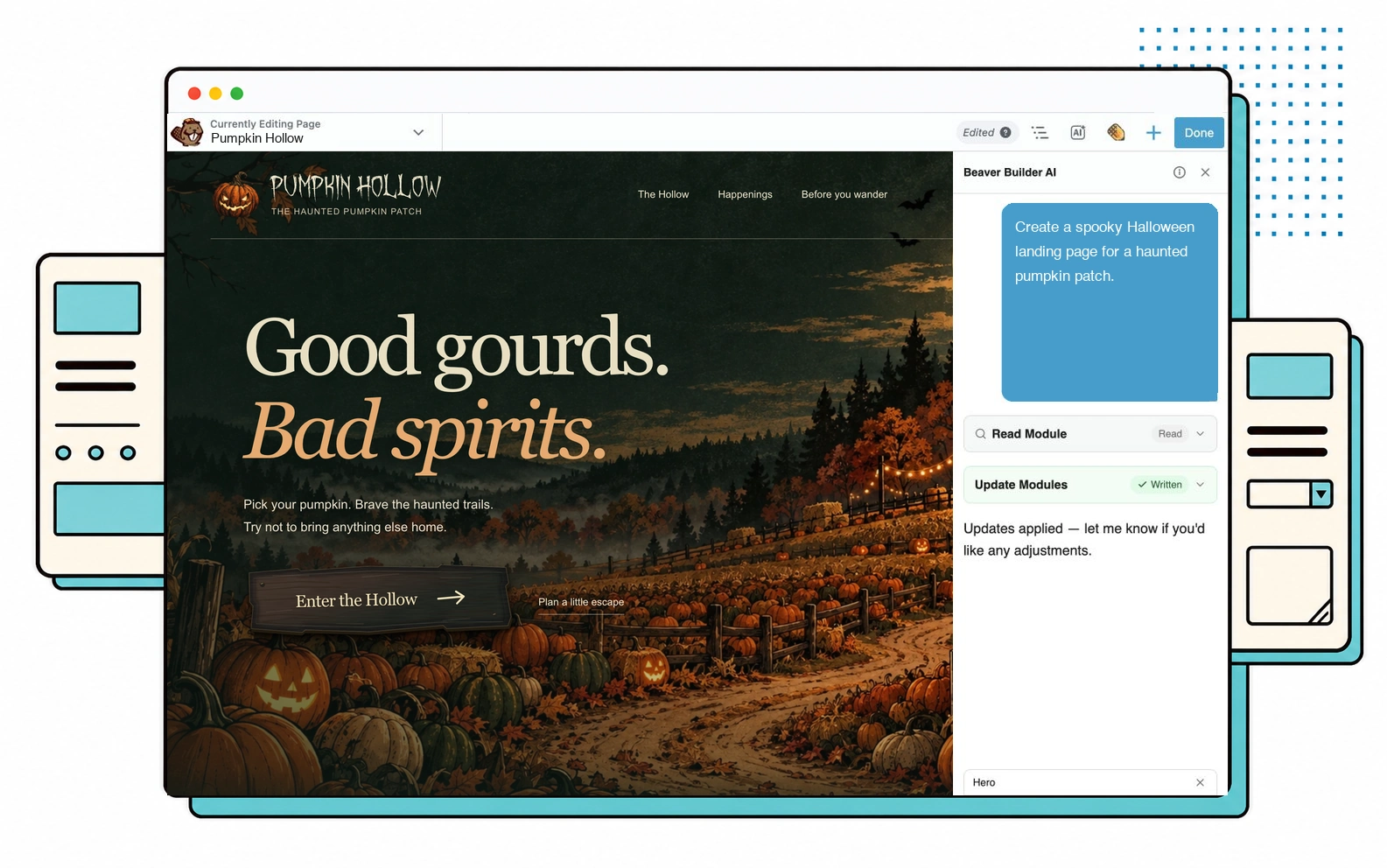
Good ideas deserve a head start.
Every one of these layouts started as a prompt. Art museums, music festivals, plumbers, mountain lodges, SaaS platforms — any industry, any style, Beaver Builder AI handles them all.
Early access feedback
Don't take our word for it.
I'm blown away by what Beaver AI is able to do with a Claude-generated HTML mockup. I can't wait to get this working on a live site.
I've been a Beaver Builder user for nearly 10 years and always loved it. This, however, is a game changer. A step up to a more professional result and huge time savings.
All I did was upload a design kit and, literally in two seconds, it made the page. Instant. How on earth did you guys make this?
What you get
Everything it does today.
AI shouldn't replace your expertise. It should give you more time to use it.
- Build where you workUse built-in chat inside Beaver Builder or the WordPress block editor, connect an external AI agent through MCP to work in its native interface and build native rows, columns, and modules, or use a Design Kit to build locally with a coding agent and import the result.
- Edit past the first draftUse generated settings for everyday changes, with full HTML, CSS, and JavaScript access when you need it.
- Hand off without the hazardsKeep code and structural controls out of the client view while leaving content fields ready to edit.
- Change one pieceSelect a section and ask for the change. The rest of the page stays where you left it.
- Keep the site consistentGive AI sections a shared design system for colors, type, spacing, buttons, and creative direction, so new work feels like part of the same site.
- Build native through MCPConnected AI agents can create real Beaver Builder rows, columns, modules, templates, and Themer layouts.
- Choose your AI providerConnect Anthropic, OpenAI, or OpenRouter to chat using your own API key.
- Mix AI with visual buildingAI modules and native Beaver Builder rows can share a page, so adoption can happen one section at a time.

Design intelligence
Make every page feel like part of the same site.
AI can create a strong first page. The harder part is making every page after it feel like the same site. Beaver Builder AI's design systems and Design Kits solve that consistency problem by giving each page a shared visual foundation instead of starting over with every prompt.
- Extend a site you already have Capture its established colors, typography, spacing, buttons, and creative direction, then build new pages from the same rules.
- Start a new build with a foundation Define the visual system once, then use it across the pages and Design Kits that follow.
- Keep the system useful Assigned colors appear in Beaver Builder's Global Colors panel, ready for the manual edits that finish the job.
Fresh from the blog
AI moves fast. So do we.
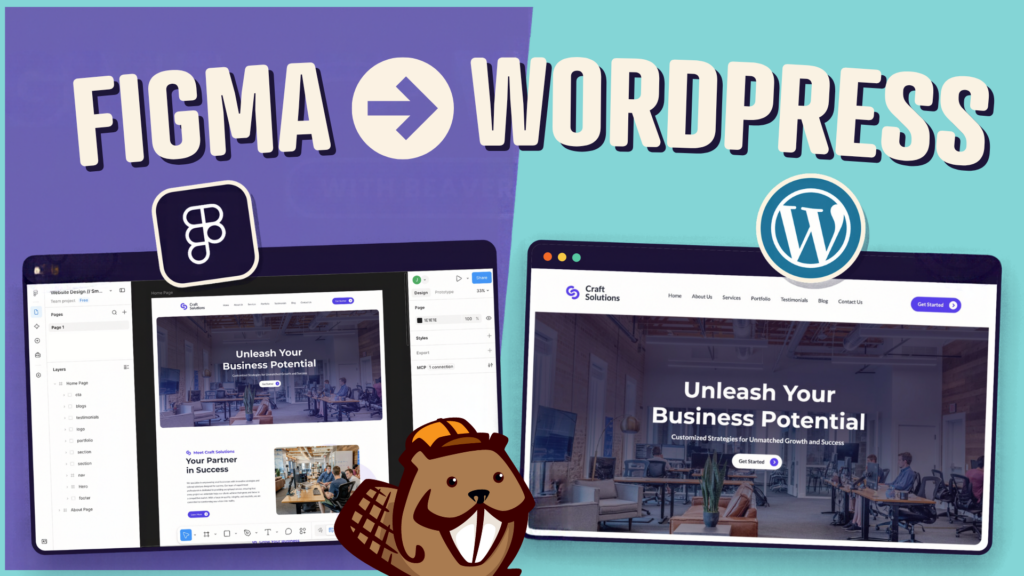
How to Convert Figma Design to WordPress (Claude + Beaver Builder AI)
How do you turn a Figma design into a WordPress site without rebuilding every section by hand? It’s a common…

Beaver Builder AI MCP Settings: Layout Mode and Layout Structure Explained
Beaver Builder AI has two MCP settings that shape AI-built pages. MCP Layout Mode controls what AI builds with: Native…

Beaver Builder AI 1.0.1: Native Layouts, Easier Connection Troubleshooting, and More
Released 09/14/2026. Requires Beaver Builder 2.11 or later. Full technical changelog: wpbeaverbuilder.com/change-logs Beaver Builder AI 1.0.1 is now available, bringing…
What you get
Everything it does today.
AI shouldn't replace your expertise. It should give you more time to use it.
- Build where you workUse built-in chat inside Beaver Builder or the WordPress block editor, connect an external AI agent through MCP to work in its native interface and build native rows, columns, and modules, or use a Design Kit to build locally with a coding agent and import the result.
- Edit past the first draftUse generated settings for everyday changes, with full HTML, CSS, and JavaScript access when you need it.
- Hand off without the hazardsKeep code and structural controls out of the client view while leaving content fields ready to edit.
- Change one pieceSelect a section and ask for the change. The rest of the page stays where you left it.
- Keep the site consistentGive AI sections a shared design system for colors, type, spacing, buttons, and creative direction, so new work feels like part of the same site.
- Build native through MCPConnected AI agents can create real Beaver Builder rows, columns, modules, templates, and Themer layouts.
- Choose your AI providerConnect Anthropic, OpenAI, or OpenRouter to chat using your own API key.
- Mix AI with visual buildingAI modules and native Beaver Builder rows can share a page, so adoption can happen one section at a time.
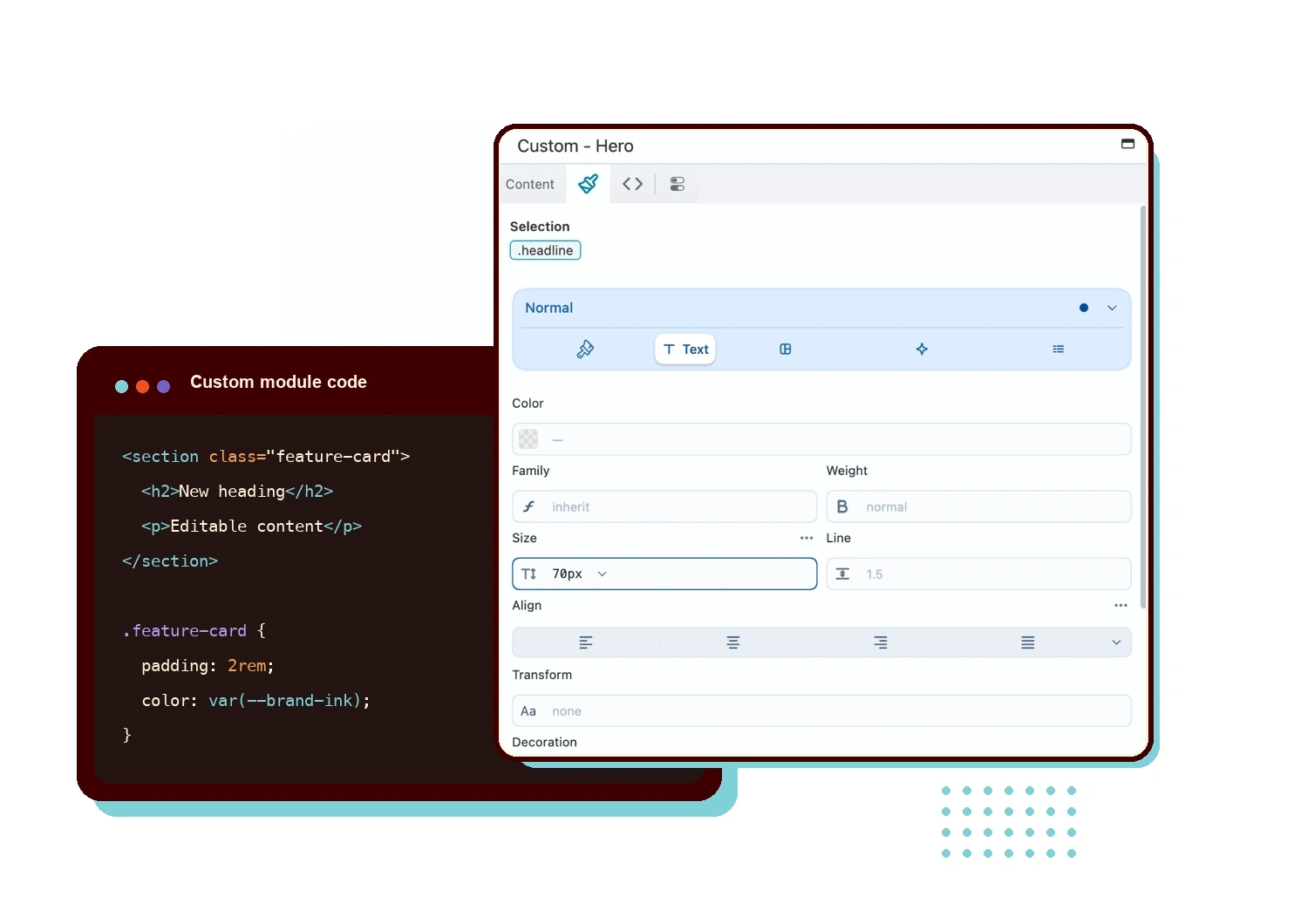
The part everyone gets wrong
Not a code block. A real module.
AI output is only useful if you can keep working with it. Beaver Builder AI turns each generated section into an editable module and builds its settings panel automatically.
Edit content and design with familiar controls. Open the HTML, CSS, and JavaScript when you need to go deeper.
The part everyone gets wrong
Not a code block. A real module.
AI output is only useful if you can keep working with it. Beaver Builder AI turns each generated section into an editable module and builds its settings panel automatically.
Edit content and design with familiar controls. Open the HTML, CSS, and JavaScript when you need to go deeper.
Your AI agent, connected
Connect your AI agent to WordPress.
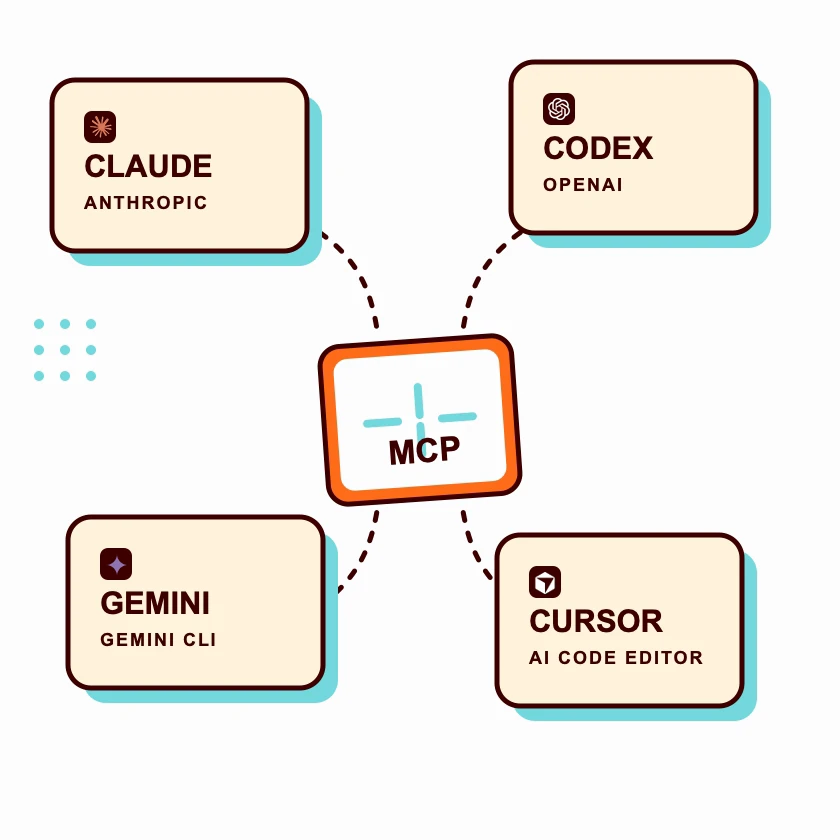
Already building with Claude, Codex, Cursor, or another MCP-compatible tool? Connect it directly to your WordPress site through Beaver Builder AI and work from the agent's native interface.
Create and update pages, manage design systems, and build native Beaver Builder rows, columns, modules, templates, and Themer layouts. MCP is the workflow to use when you want the full native-module toolset. You choose what gets published.
Your AI agent, connected
Connect your AI agent to WordPress.
Already building with Claude, Codex, Cursor, or another MCP-compatible tool? Connect it directly to your WordPress site through Beaver Builder AI and work from the agent's native interface.
Create and update pages, manage design systems, and build native Beaver Builder rows, columns, modules, templates, and Themer layouts. MCP is the workflow to use when you want the full native-module toolset. You choose what gets published.
Client work
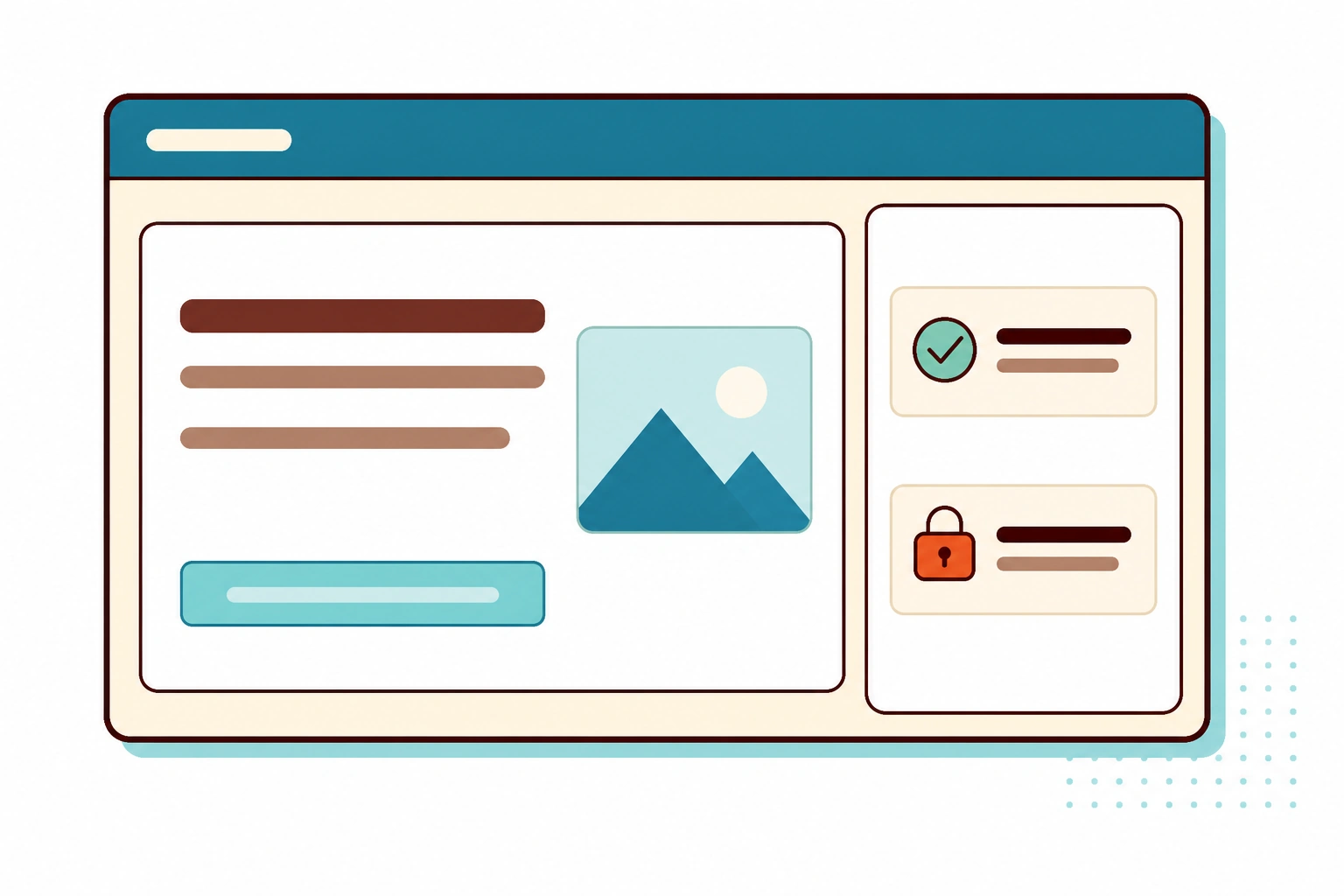
Your clients edit content. Nothing else.
Client handoff should not require a tour of the code tab. Keep generation, code, and structural controls with administrators and editors.
Clients get the content fields they need to edit text and swap images, without the controls that can break the layout.
Client work
Your clients edit content. Nothing else.
Client handoff should not require a tour of the code tab. Keep generation, code, and structural controls with administrators and editors.
Clients get the content fields they need to edit text and swap images, without the controls that can break the layout.
Targeted generation
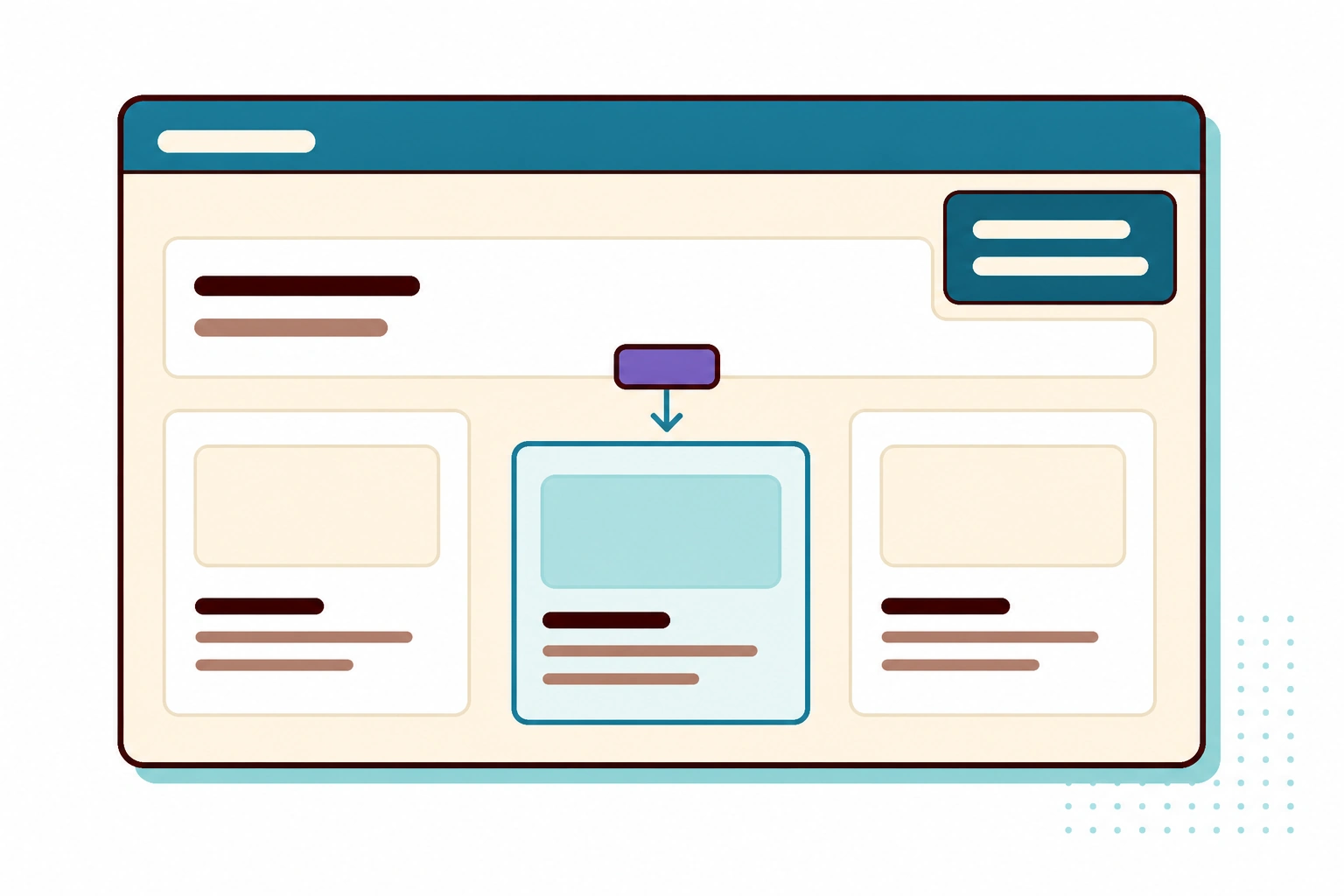
Build the piece. Not the page.
One small change should not give you a whole new page. Select a column, box, or section, describe what belongs there, and Beaver Builder AI builds in that spot.
Use it as an add-on generator too. When your layout needs a component you would normally go shopping for, build the piece you need.
Targeted generation
Build the piece. Not the page.
One small change should not give you a whole new page. Select a column, box, or section, describe what belongs there, and Beaver Builder AI builds in that spot.
Use it as an add-on generator too. When your layout needs a component you would normally go shopping for, build the piece you need.
Questions, answered.
No. Each generated section is registered as a real Beaver Builder module, and the plugin builds its settings panel automatically. You edit text, images, links, and repeating lists in that panel, and you can open the HTML, CSS, and JavaScript whenever you want to. The same panel works in Beaver Builder and in the WordPress block editor.
Since 2026
Ready to build with AI?
The core workflows are ready to use, backed by the same team that has shipped stable updates since 2014. Build with them now and help shape what comes next.