

Included in every plan
Every Beaver Builder module, in one place.
Standard, media, layout, posts, and WooCommerce modules. What each does, and when to reach for it.

Visual Editing Tools
Standard Modules
Create custom layouts with ease. Beaver Builder's standard modules provide a wide range of visual editing tools, including text, images, videos, buttons, and more.
Basic
-
Audio
Insert audio files from the Media Library or an external source and customize playback options. -
Custom
A module that can become anything. Built from HTML, CSS, JS, and mustache variables, then edited through a normal settings form without touching the code. -
Heading
Create headings with custom typography, layout, and effects. -
HTML
Add custom HTML, markup, and code to your layouts. -
List
Create lists with custom content, styles, and layouts. -
Photo
Add images to your layouts with custom cropping, lightbox, and alignment options. -
Rich Text Editor
Add and edit text with custom formatting and styles. -
Separator
Add a horizontal line to separate content with custom styles and colors. -
Video
Add videos with custom playback options and lightbox support.
Media
-
Gallery
Create a gallery of images or videos with custom layouts, lightbox, and sorting options. -
Map
Insert a Google Map into your layouts with custom markers, styles, and interactions. -
Testimonials
Add a testimonial slider to your layouts with text and images, or any other set of content that you want to display one by one.
Actions
-
Callout
Create attention-grabbing callouts, highlight important information, or simply make your website more visually appealing with a heading, text, and image or icon. -
Contact Form
Customize a variety of fields that you can use to collect information from visitors, such as their name, email address, phone number, and message. -
Call to Action
A versatile tool for creating attention-grabbing calls to action with a heading, text, button, and a number of customization options. -
Login Form
A customizable login form with username, password, and remember me fields. -
Popup
Build dialogs, popovers, and flyouts that overlay your page, with configurable triggers, scheduling, and dismiss behavior. -
Search
Easily add a search bar to your website with a variety of customization options. -
Subscribe Form
Add a subscription form with a variety of customization options to collect email addresses from visitors.
Box Module
-
Box
Functions as a container similar to a row or column, utilizing either flexbox or CSS grid to enable the creation of complex, fluid, and flexible layouts. -
Flex Columns
This preset creates a horizontal row of three flex boxes situated within the parent box. -
3×2 Grid
A layout structure using grid boxes consisting of three columns and two rows inside the parent box. -
4×2 Grid
A layout structure of grid boxes consisting of four columns and two rows within the parent box. -
Split Header
This structure is a grid defining 3 columns with a centralized photo module and menu modules on either side. -
Photo Grid
This layout is made up of a 4×3 grid and photo modules.
Layout
-
Accordion
Create a collapsible section with multiple content panels that can be expanded or collapsed with a single click. -
Pricing Table
Create a visually appealing and informative pricing table with custom features, styles, and layouts. -
Tabs
Display horizontal or vertical tabbed content, ideal for inserting sets of content into a small space.
Info
Post modules
-
Posts Carousel
Create a slideshow of posts, pages, or custom post types with custom layouts, animations, and navigation. -
Posts
Display a list of posts, pages, or custom post types with custom layouts, filters, and sorting options. -
Loop
Create dynamic layouts for queried content using modules and field connections. No custom HTML or CSS required.

Powerful Sales Tool
WooCommerce Modules
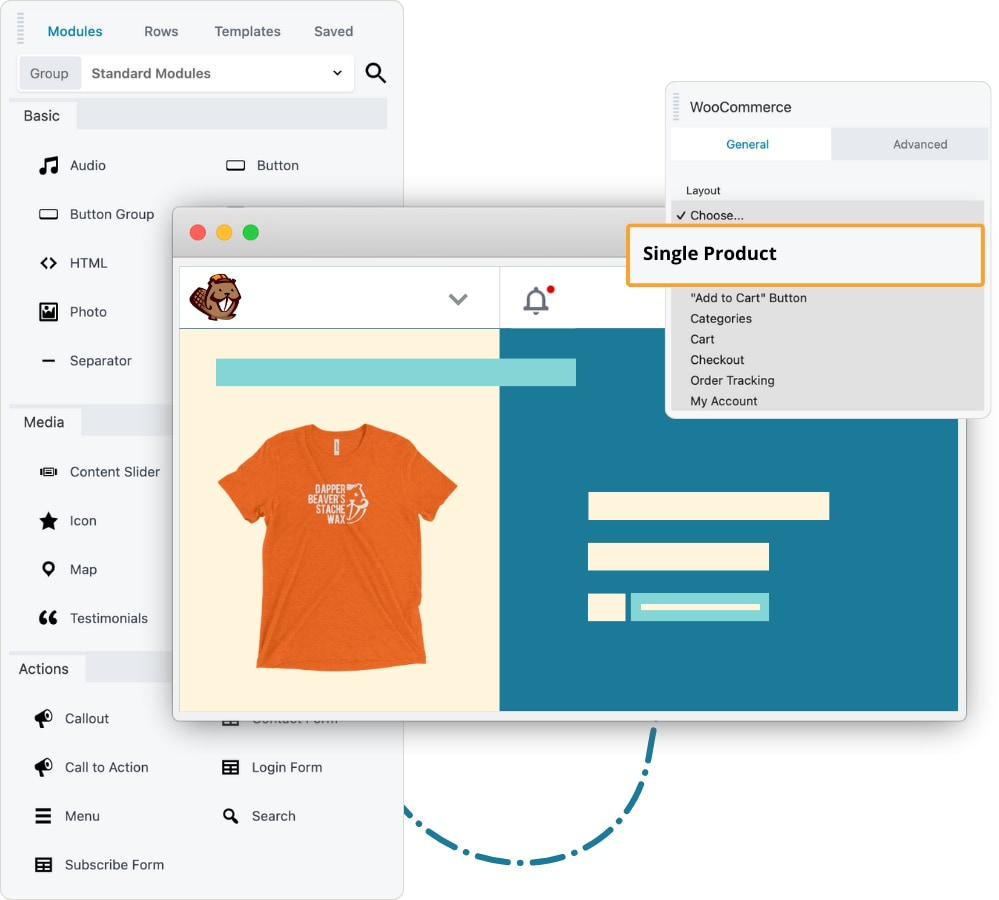
Personalize the shopping experience for your customers. Use the WooCommerce module to display your products, cart, checkout, My Account, and more on your regular WordPress pages.
-
Single Product
The single product display is what you'd see on an archive page, not on a true product page: product title, price, and an Add to Cart button below the featured image. -
Product Page
The single product page display is exactly the same as what you would see on a regular single product page, but you can embed it anywhere in a layout on another page. -
Multiple Products
You can display all of your products, or display a subset of products based on various sources such as: Recent, Featured, Sale, Best selling, or Top rated. -
“Add to Cart” Button
Display the product price and the Add to Cart button as a single unit on its own, without showing the rest of the product. -
Categories
You can display your entire set of product categories, or you can display all the subcategories of one parent category that you identify by its ID number. -
Cart
You can use the WooCommerce module to display what you'd normally see on the Shopping Cart / Basket page. -
Checkout
You can use the WooCommerce module to display what you'd normally see on the Checkout page, including any customizations your Checkout has in place. -
Order Tracking
You can display the normal WooCommerce order tracking with fields for the customer to enter their Order ID and billing email. -
My Account
You can display what the customer normally sees on the My Account page: Customer profile, order history, digital downloads, etc.
Block Patterns
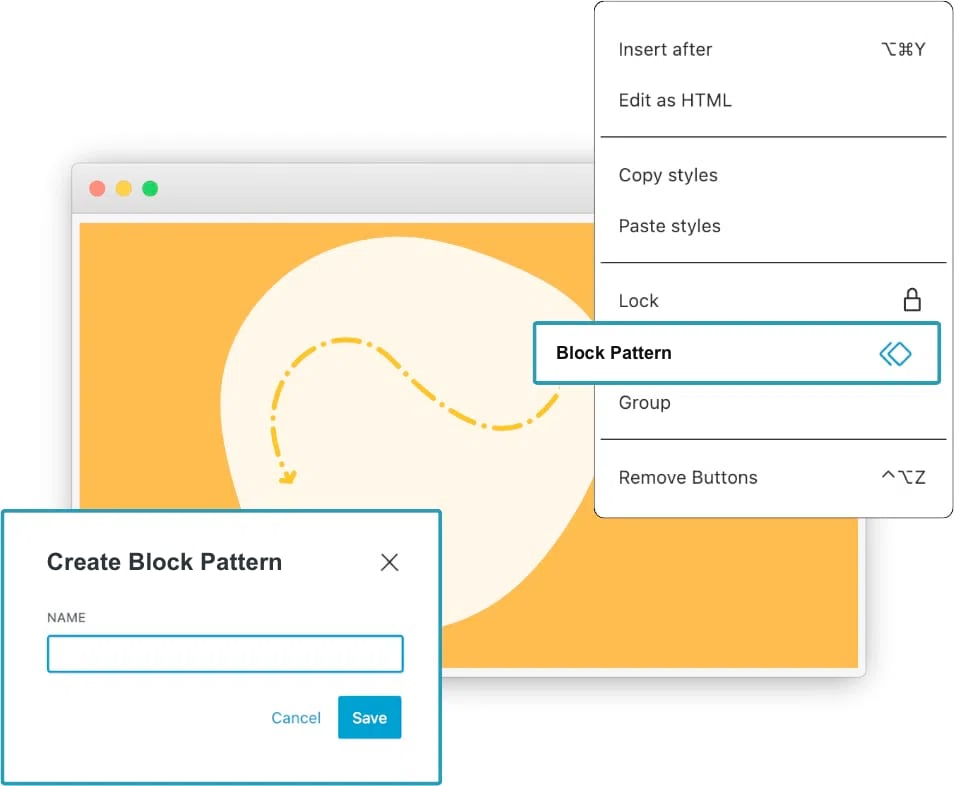
Streamline your website creation process by harnessing the power of Block Patterns in Beaver Builder layouts.
Save and reapply content sections easily, ensuring consistent design and information across multiple pages.
Save time, maintain uniformity, and update content site-wide with this powerful feature.
Third Party Add-Ons
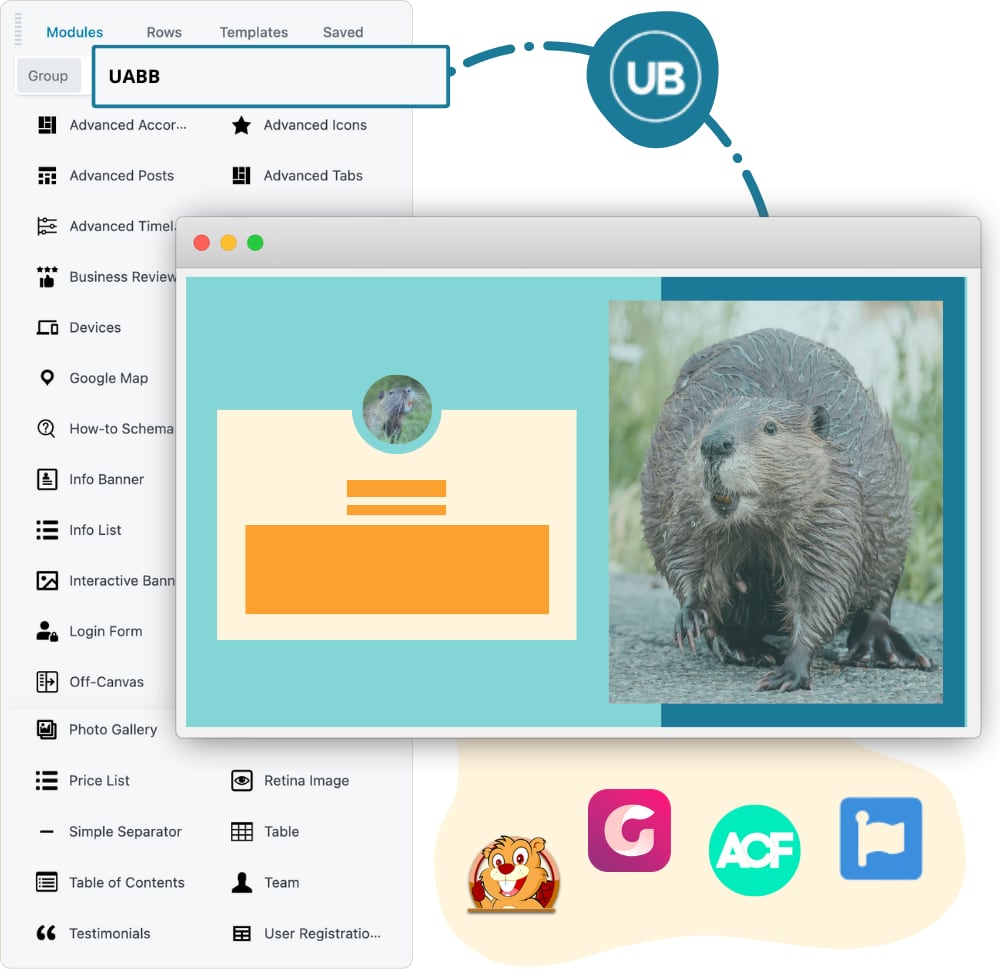
Enhance your website with third party add-ons built specifically for Beaver Builder. Get access to additional features, giving you the ability to create unique websites.
There are many different third-party Beaver Builder plugins available, both free and paid, to help you fine-tune your website's design, layout, and functionality.
Build your own modules
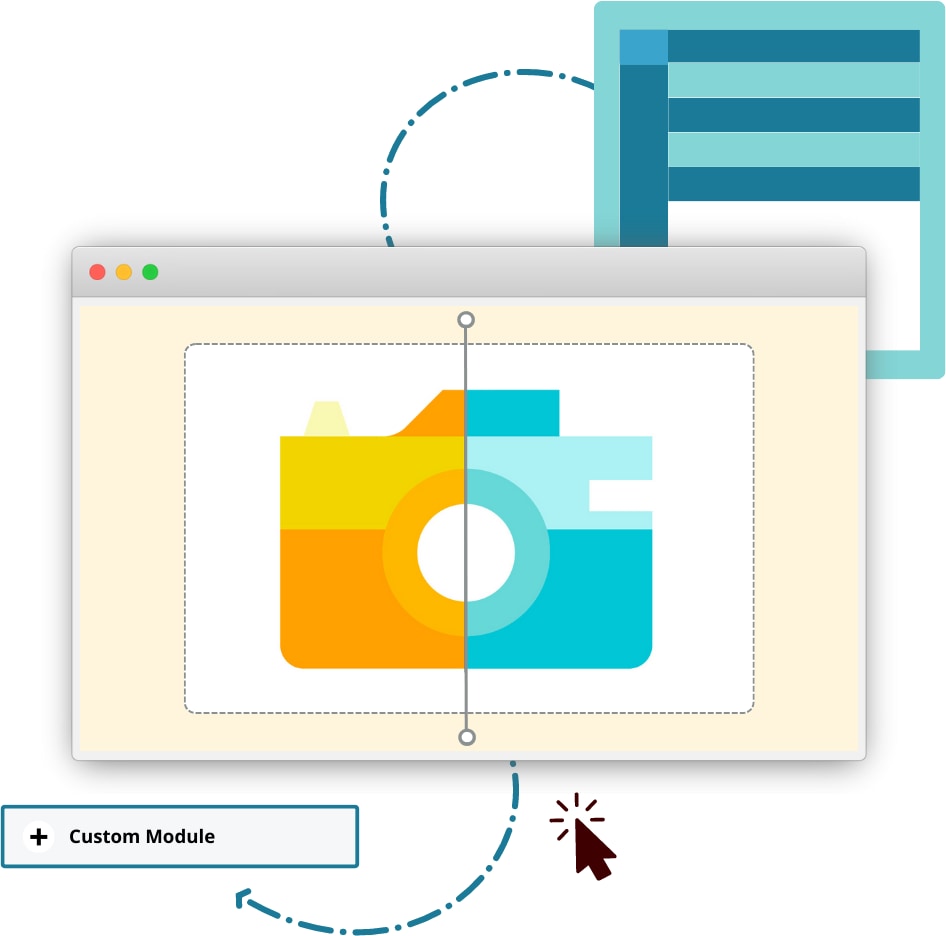
Beaver Builder's module API lets your team build brand new modules from scratch and reuse them across every client site you run.
This is the developer route. The Custom module above builds a module inside the builder. The API builds one that lives in your codebase and ships with your plugin or theme.
The Custom Module Developer Course walks through building an Image Comparison Slider from start to finish.
Since 2014
Ready to build?
The WordPress page builder agencies and freelancers have trusted since 2014. Now with AI.